
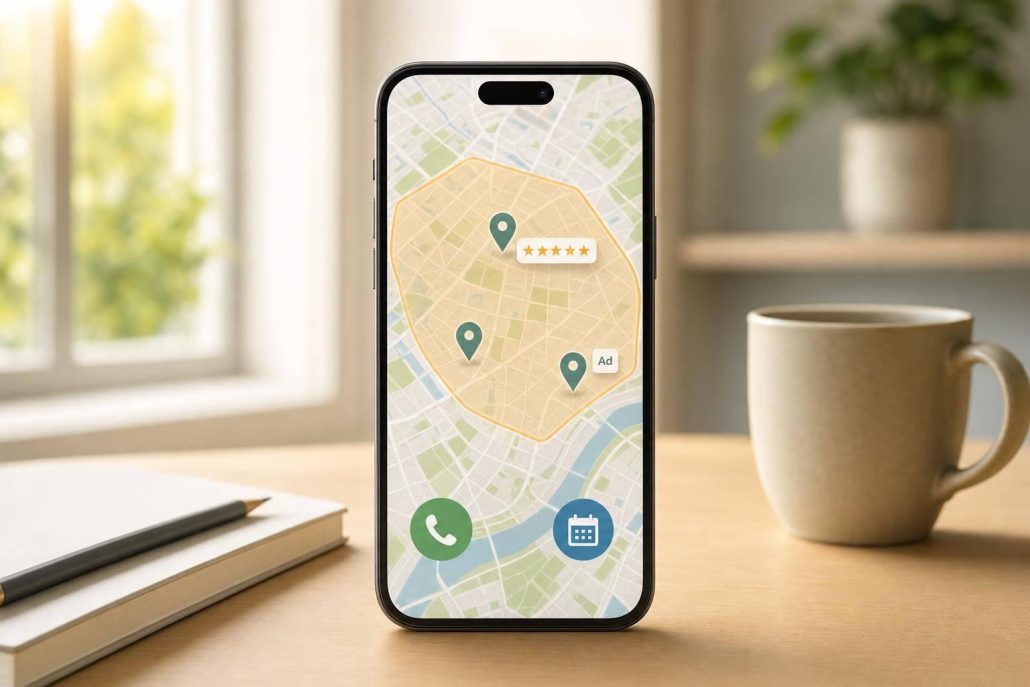
Local GEO
Almost half of Google searches have local intent, and many "near me" searches lead to a visit or purchase fast. If I want more calls, bookings, or walk-ins from people close to my business, Local GEO is the play: set a clear service area, match my site and Google Business Profile to that area, build city pages, keep business details the same everywhere, earn reviews, and use geo-targeted ads for fast lead flow.
Here’s the short version:
- Local GEO means location-based marketing for cities, neighborhoods, ZIP codes, and service areas.
- Google Business Profile matters most because it helps me show in Maps and the Local Pack.
- Reviews and citations help trust and visibility when my business info matches across the web.
- Location pages help multi-area businesses show up for city-specific searches.
- Geo-targeted ads help now while local search work builds over time.
- The right mix depends on the business type: storefront, appointment-based, or home-service.
A few numbers make the case clear:
- 46% of Google searches have local intent
- 76% of mobile "near me" searches lead to a visit within 24 hours
- 28% of local searches end in a purchase
- The Local Pack gets 44% of clicks
If I had to boil the article down to one idea, it would be this: pick the places I want to win, line up every local signal around those places, and track calls, visits, and bookings instead of just traffic.
| Area | What matters most |
|---|---|
| Setup | Service area, local goals, site speed, mobile calls, schema |
| Visibility | Google Business Profile, categories, photos, reviews |
| Relevance | City pages, local copy, maps, directions, testimonials |
| Consistency | Matching name, address, and phone across directories |
| Lead flow | Geo-targeted ads, local landing pages, call tracking |
| Business fit | Store visits for retail, bookings for services, calls for home services |
Below, I’ll walk through the main ideas in plain English so I can turn local search into a steady source of nearby leads.
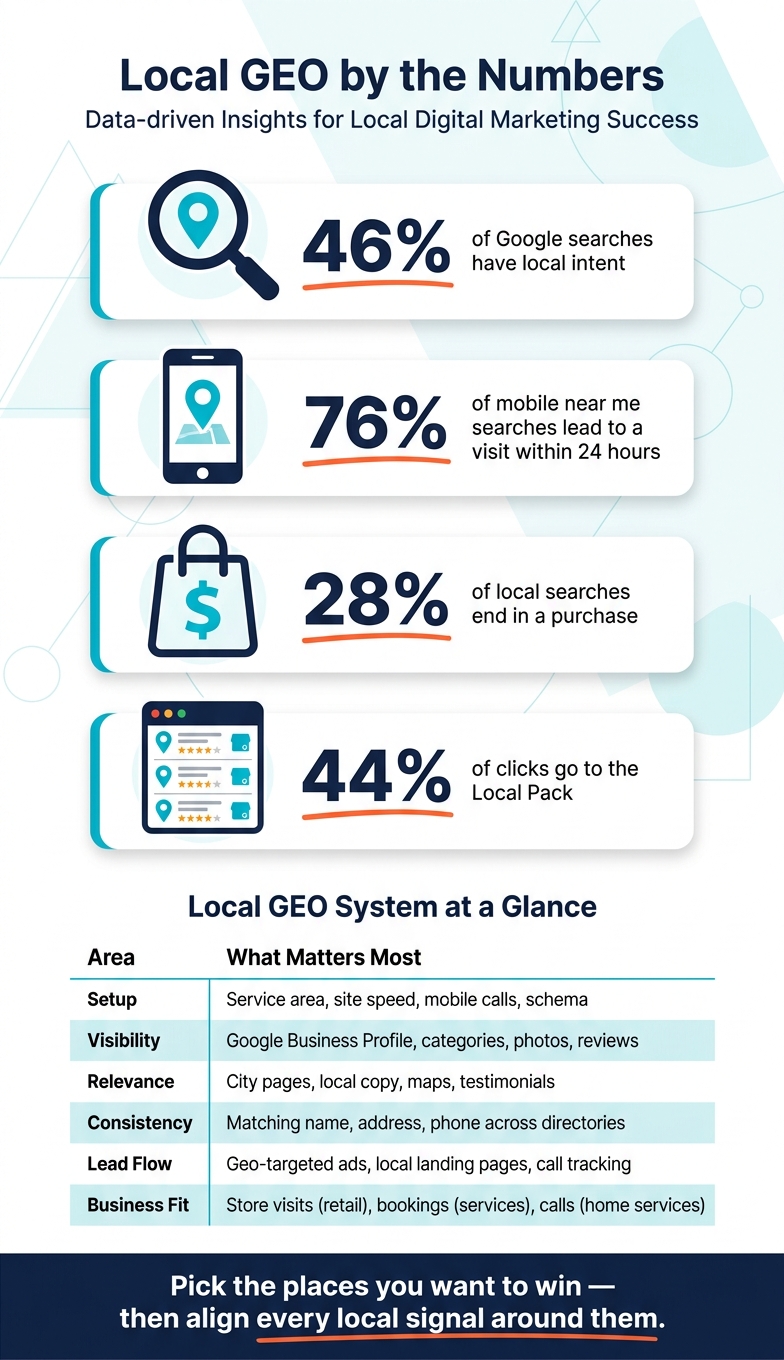
Local GEO by the Numbers: Why Location-Based Marketing Works
How to Build a Local SEO Strategy in 2026 (Full Blueprint!)
sbb-itb-0a5855c
Build Your Local GEO Foundation
Start with a clear service area and a website that matches it.
Define Your Service Area and Local Goals
Start by getting specific about where you want to show up. Use city names, neighborhoods, ZIP codes, or a set radius around your location instead of a broad region. That kind of detail helps search engines connect your business with nearby people more accurately.
Then focus on the actions that lead to revenue: calls, bookings, direction requests, and visits. Raw traffic can look nice in a report, but if it doesn’t lead to local action, it usually doesn’t do much for a small business.
If you go to the customer instead of serving them at a storefront – like an HVAC tech or house cleaner – Google lets service-area businesses hide their street address and set a service area by city or ZIP code.
Next, your website needs to show that same service area clearly.
Get Your Website Ready for Local Search
Your site should make three things obvious right away: who you are, where you work, and what you do. Keep your NAP consistent across every page and listing. Even small formatting differences can weaken local signals.
A few basics matter here:
- Use a local phone number instead of a toll-free number.
- Format your address in standard U.S. style, like
123 Poplar Ave, Memphis, TN 38103. - Make sure pages load in under 3 seconds.
- Make tap-to-call easy on mobile.
- Add
LocalBusinessschema so search engines can read your location, hours, coordinates, and price range.
Once your service area and website line up, you’re in a much better spot to improve your Google Business Profile, citations, location pages, and ads.
The 5 Core Local GEO Tactics
With your service area set and your website in place, it’s time to focus on the five tactics that bring local visibility and leads. These are the moves that help people find you, trust you, and contact you. Start with Google Business Profile and reviews, because that’s often the first impression people get in local search.
Optimize Google Business Profile and Local Reviews
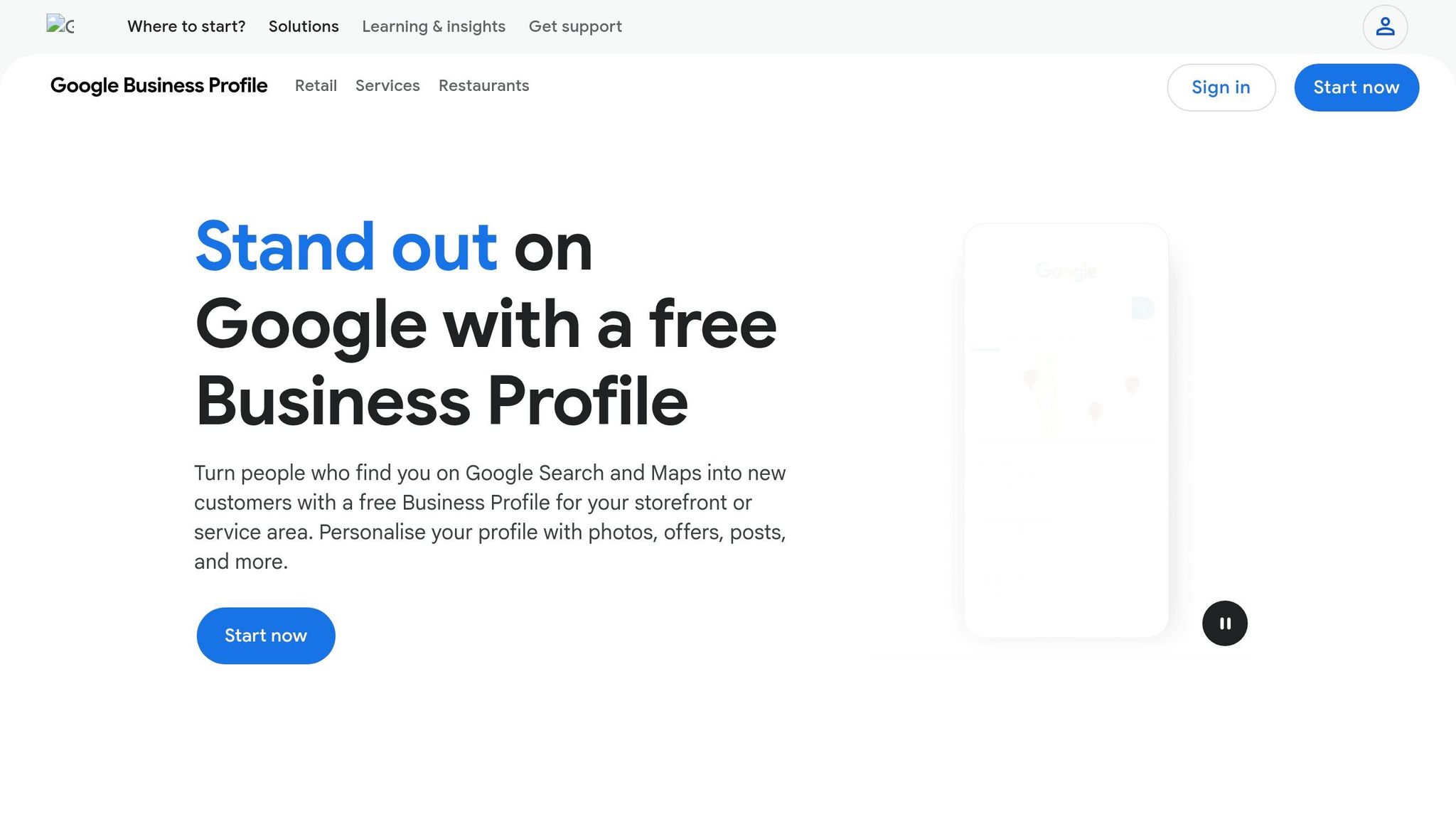
Your Google Business Profile (GBP) is the biggest driver of local visibility, making up about 32% of local ranking signals. Claim and verify your profile first. Then complete every field: services, products, attributes, hours, and a business description that naturally mentions your city and what you do. Your profile should line up with the service area you defined earlier.
Pick the most specific primary category that fits your business. That choice has a strong effect on local visibility.
Add new photos on a regular basis. Active profiles tend to get more engagement and more direction requests.
For reviews, timing matters. Ask within 24 hours, encourage customers to mention the service and city, and reply within 6 to 24 hours.
Once your profile starts building trust, use location pages and citations to spread that trust across each area you serve.
Build Location Pages and Fix Local Citations
If you work in more than one city or neighborhood, create a separate landing page for each area. Don’t rely on one generic page stuffed with a few city names. Each location page should include unique copy, an embedded map, NAP, local testimonials, and driving directions. Thin pages that only swap the city name can backfire. They don’t help visitors much, and they can hurt how search engines view your site.
For citations, start with:
- Apple Maps
- Bing Places
- Yelp
Then push one master record through Data Axle and Foursquare. Those platforms send your business details to hundreds of smaller directories for you. After that, run quarterly audits to fix duplicates and other mismatches.
Organic signals take time to build. Ads help you cover demand while that work starts paying off.
Run Geo-Targeted Ads to Reach Nearby Leads
Geo-targeted ads help fill the gap while organic local SEO builds. They’re a good fit for businesses that rely on steady bookings.
Target by city, neighborhood, or service region, and write ad copy that matches local intent. Send visitors to a location-specific landing page, not your homepage. That page should include local testimonials from the exact target area and a local phone number.
Track the actions that show buying intent:
- Calls
- Clicks-to-call
- Direction requests
- Store visits
That’s how you see what’s driving qualified leads.
Use both channels together: ads for immediate leads, organic local SEO for long-term visibility.
Pick the Right Local GEO Mix for Your Business Type
Once the basics are set, adjust your local GEO mix based on how people buy from you. That matters more than it might seem. A person picking a lunch spot acts very differently from someone hiring a lawyer or calling a plumber.
Local GEO priorities change by business model because customer behavior changes too.
What to Focus On Based on How Your Business Works
Storefront businesses – retail shops, restaurants, and salons – live on foot traffic and fast decisions. People are often ready to act on the spot. So your top jobs are simple: keep your GBP complete, add strong photos, make directions easy to follow, and keep your hours correct. If someone nearby wants to visit, they shouldn’t have to stop and figure things out.
Appointment-based businesses – dentists, lawyers, and other professional services – usually need more trust before a person books. In this case, star ratings help, but they don’t do all the work. Put extra attention on service-specific pages such as "Invisalign in Memphis" and reviews that talk about skill, care, and results.
Home-service businesses – plumbers, electricians, and HVAC companies – work across many cities and often don’t have a public storefront. In GBP, hide your street address and use the service area field to show where you work. Build separate city pages, starting with the areas closest to you. Then use radius-based ads to help drive leads while those pages gain traction.
Comparison Table: Local GEO Tactics by Business Model
Use the table below as a quick priority map.
| Tactic | Brick-and-Mortar Retail | Appointment-Based Services | Home-Service Businesses |
|---|---|---|---|
| Location Pages | Standard contact and info | Service-specific landing pages | City and neighborhood pages |
| Review Style | High star rating and review volume | Detailed, trust-building reviews | Recent reviews showing reliability |
| Citation Focus | General directories (Yelp, Facebook) | Industry-specific (Healthgrades, Avvo) | Lead-gen sites (Angi, Thumbtack) |
| Ad Targeting | Proximity-based | Keyword-intent (service + city) | Geo-radius ads |
| Primary KPIs | Foot traffic, direction requests | Bookings, qualified leads | Phone calls, form submissions |
Conclusion: Turn Local GEO Into a Repeatable Marketing System
These tactics work best when they run as one system. Local GEO isn’t a one-time fix. It’s something you keep working on over time. Your target locations, NAP, Google Business Profile, location pages, reviews, and geo-targeted ads should all stay aligned and active.
That kind of consistency is what turns local visibility into steady calls, visits, and bookings. The opportunity is there – but it goes to businesses that keep showing up.
FAQs
How long does Local GEO take to work?
Local GEO often leads to measurable gains in AI recommendation visibility for local businesses within 90 days.
That usually plays out across a 90-day cycle with four phases, and each phase tends to last two to four weeks. AI systems tend to favor newer content, so this kind of timeline helps keep your business in a strong visibility window and supports steady performance.
What should I fix first for local rankings?
Start by fixing inconsistencies in your Name, Address, and Phone number (NAP) across online directories.
Then claim, verify, and fully complete your Google Business Profile. Fill in every field, including categories, services, hours, and photos. A complete profile is key for stronger local visibility.
Do I need a page for every city I serve?
Yes – if you serve more than one location, make a separate landing page for each city, neighborhood, or service area where you want to rank.
A single catch-all page usually won’t line up with local search intent in different markets. Someone searching in one area expects details tied to that place, not a broad page that tries to cover everything at once.
Each page should be unique and useful. Don’t just plug new city names into the same template and call it done. Add local details that make the page feel grounded in that area, such as:
- Project examples from that location
- Customer reviews from local clients
- Nearby landmarks
- Service needs or conditions tied to that area
