
Low Website Traffic? 7 Quick Fixes That Work
If your website traffic is low, there’s good news: small changes can lead to big improvements. Here are seven effective fixes to help you attract more visitors and boost your online presence:
- Update Meta Tags: Improve your titles and descriptions to stand out in search results. Use free tools like Google Search Console or SEOquake for quick analysis.
- Speed Up Your Website: Slow loading times drive visitors away. Use tools like Google PageSpeed Insights or GTmetrix to identify issues and optimize images, code, and server performance.
- Leverage Social Media: Share your own content, engage with users, and tailor posts for platforms like Facebook, Instagram, and LinkedIn to drive traffic back to your site.
- Track with Free Tools: Use Google Analytics and Ubersuggest to monitor traffic, find keyword opportunities, and understand visitor behavior.
- Optimize Google Business Profile: Complete your profile with accurate details, photos, and local keywords to rank higher in local searches.
- Improve Usability: Simplify menus, ensure mobile compatibility, and make navigation intuitive to keep visitors engaged.
- Fix Technical SEO Issues: Address broken links, switch to HTTPS, and resolve crawl errors to improve search engine rankings.
These steps are simple, cost-effective, and can deliver noticeable results in as little as 30–60 days. Start by focusing on one or two fixes and build from there. With consistent effort, you can significantly increase your website traffic and grow your business online.
4 Free Tools To Increase Your Website Traffic
Fix Your Meta Tags for Better Search Results
Meta tags are like your website’s handshake in search results – they’re the first thing people see, and they play a big role in whether someone clicks on your link or keeps scrolling. These clickable headlines and descriptions aren’t just for show; they can directly impact your click-through rates without costing you a dime.
Think of meta titles as your headline and meta descriptions as a quick pitch. Together, they need to grab attention and convince users to click. For small businesses in the U.S., well-crafted meta tags can help you compete with larger rivals. Even if your marketing budget is limited, you can still stand out by creating locally targeted, community-focused meta tags that resonate with your audience. Let’s dive into some free tools that can make this process easier.
Use Free Tools for Meta Tag Updates
You don’t need pricey software to improve your meta tags. There are plenty of free tools that can help you assess your current tags and find ways to improve them.
- Google Search Console: This is a must-have tool. It shows how your pages appear in search results and which queries are driving traffic to your site. You can review your meta titles and descriptions and track how updates impact your click-through rates over time.
- Attrock Meta Tag Analyzer: A quick and easy way to spot missing or underperforming meta tags. Just enter your URL, and it provides actionable suggestions for improvement.
- Rank Math Meta Tag Analyzer: This tool offers a real-time preview of how your meta tags will look in Google search results. It’s especially helpful for spotting issues like overly long titles or dull descriptions.
- SEO META in 1 CLICK: A browser extension that lets you instantly review meta data on your site – or even your competitors’ sites – without leaving your browser.
- SEOquake: Another browser extension that provides similar insights, helping you analyze and refine meta tags directly on any webpage.
Pick one or two tools that fit your workflow, and use them consistently to monitor and tweak your meta tags. Once you’ve made updates, focus on integrating locally relevant keywords to improve your visibility.
Add U.S.-Relevant Keywords
Including location-specific keywords in your meta tags can make a big difference, especially for local searches. When someone nearby searches for a service you offer, you want to be the first result they see.
"Effective optimization involves understanding what locals are searching for and tailoring tags to reflect those needs." – Market Me Good
For example, instead of a generic title like "Emergency Dental Care", you could use something like "Emergency Dentist in Seattle, WA – 24/7 Care." Similarly, your meta description might say, "Top-rated HVAC repair in Miami, FL – Schedule your free quote today!" These examples are short, to the point, and packed with location-specific details that catch the eye.
If your business serves multiple areas, create separate pages for each location, each with its own unique meta tags. Don’t just copy and paste the same description with a new city name – take the time to research what matters most to each community and tailor your messaging accordingly.
Make sure your NAP information (Name, Address, Phone number) is consistent across all your location-specific meta tags. This helps search engines connect the dots and improves your local rankings.
To discover what keywords locals are using, tools like Google Keyword Planner can be a game-changer. For instance, people in one area might search for "soda", while another region prefers "pop" or "soft drinks." These small details can have a surprisingly big impact on your local search performance.
Speed Up Your Website Loading Time
A fast-loading website is more than just a convenience – it’s a crucial factor for both user satisfaction and search engine rankings. If your site takes too long to load, you risk losing visitors before they even have a chance to engage with your content. In fact, 40% of users abandon a page if it takes longer than three seconds to load. And for every extra second of delay, your bounce rate can increase by about 10%.
Desktop users expect pages to load in under three seconds, and mobile users are even less patient. Slow load times don’t just frustrate users; they also send negative signals to search engines, which can harm your rankings and reduce the organic traffic you’ve worked hard to earn.
The upside? You don’t need to overhaul your entire site or invest in pricey tools to improve its speed. By taking a targeted approach and leveraging free resources, you can identify and resolve the most common issues slowing your site down. Start by evaluating your website’s performance to determine where to focus your efforts.
Test Your Website Speed
Before tackling speed issues, you need to pinpoint the exact causes of the slowdown. Free speed testing tools can provide detailed insights into performance bottlenecks and offer actionable recommendations.
Here are a few tools worth trying:
- Google PageSpeed Insights: This tool evaluates your site’s Core Web Vitals – key metrics Google uses to assess user experience – and provides SEO-friendly recommendations. It’s especially helpful because it reflects Google’s perspective on your site’s performance.
- GTmetrix: Known for its detailed, actionable reports, GTmetrix identifies specific resources – like images, scripts, or plugins – that may be slowing your site down. It’s a great tool for isolating problem areas.
- WebPageTest: This tool offers in-depth performance reports, including Core Web Vitals, and allows real browser testing from different U.S. locations. It’s particularly useful for understanding how your site performs for users in different regions.
Don’t rely on just one test. Run multiple tests across different tools and times of day to get a more accurate picture of your site’s performance. Since you’re targeting U.S. visitors, make sure to test from various U.S. locations to identify any regional differences in load times.
Also, don’t stop at testing your homepage. High-traffic pages like blog posts or product pages often have unique performance challenges. Analyze these pages individually to ensure they’re optimized for speed.
Compress Images and Clean Up Code
Once you’ve identified the main culprits behind your slow load times, focus on the fixes that offer the biggest improvements with minimal effort. Tools like PageSpeed Insights often highlight key areas to address, such as image optimization, render-blocking resources, and bloated code.
- Optimize Images: Compress images using modern formats like WebP to reduce their size without sacrificing quality. Pay special attention to hero images, which often affect your Largest Contentful Paint (LCP) score.
- Address Server Issues: If your Time to First Byte (TTFB) is consistently high, it might indicate server performance problems. Upgrading your hosting plan or using a Content Delivery Network (CDN) like Cloudflare can help by delivering content from servers closer to your U.S. audience.
- Fix Layout Shifts: Problems with Cumulative Layout Shift (CLS) often stem from improperly defined image dimensions or font loading. Ensure your CSS specifies image sizes and font behaviors to prevent unexpected shifts during page load.
- Streamline Code: Remove unused plugins, themes, and scripts, especially if you’re using WordPress. Many sites load unnecessary CSS and JavaScript files on every page, slowing down the entire site. Use your speed testing tools to identify which resources are essential and eliminate the rest.
These optimizations can make a noticeable difference in your site’s performance, helping you create a faster, smoother experience for your visitors while boosting your search engine rankings.
Use Social Media to Drive Traffic
Social media is a powerful tool for driving website traffic without breaking the bank. With just time and creativity, you can reach thousands of potential customers. Consider this: U.S. Facebook users, on average, click 12 ads per month, 81% of Instagram users explore products and services on the platform, and 4 out of 5 LinkedIn users influence business decisions – a goldmine for B2B companies.
"At no other time in the entire history of business has it been this easy and this free to get your offer in front of thousands of potential buyers. Thanks to social media, business owners can get their products and direct links to buy them into the hands of millions just by tapping ‘post.’" – Jenna Harding, Marketing Coach and Creator of Magic Marketing Machine
The trick lies in understanding how each platform functions and tailoring your approach accordingly. Facebook is ideal for building communities and leveraging detailed targeting, Instagram shines with visual storytelling, and LinkedIn fosters professional networking and thought leadership. A customized strategy for each platform will help you turn social media efforts into website traffic, complementing your technical SEO efforts.
Target U.S. Audiences with Social Media Posts
To connect with U.S. audiences, align your posting schedule with their peak activity hours. Take advantage of built-in targeting tools on platforms to zero in on users based on interests, demographics, and behaviors. For example:
- Facebook: Use targeted engagement features to reach specific groups.
- Instagram: Experiment with Stories and Reels to tell compelling visual stories.
- LinkedIn: Share detailed articles and insights to establish authority.
When crafting captions, keep them short and engaging – about 150 characters or 15 words is the sweet spot for clicks. Add relevant emojis to boost engagement and always end with a clear call-to-action, like “Visit our website to learn more.”
Incorporate U.S.-specific themes, holidays, and events to make your content more relatable and timely.
Respond to Comments and Messages
Posting is just the first step. Actively engaging with your audience can significantly amplify your results. When you respond quickly to comments or messages, you create a personal connection that encourages users to visit your website for more information.
"Social media provides small businesses distinct advantages against larger competitors through personality and responsiveness." – Aaron Whittaker, Vice President of Demand Generation at Thrive Internet Marketing Agency
Turn on notifications to stay on top of interactions. If someone asks about pricing, answer briefly and include a link to the relevant page on your website. Hosting live Q&A sessions on platforms like Facebook or Instagram Live is another great way to interact. Announce these sessions ahead of time, invite followers to submit questions, and remind viewers during the event to visit your site for more details or resources.
Sharing user-generated content is another way to build trust and community. When customers post about your business, ask for permission to share their content, and add your own commentary with a link to your website. This not only strengthens relationships but also serves as social proof.
To stay consistent, create a content calendar featuring interactive posts like polls, questions, and discussions. Use tools like Google Analytics to track how these efforts convert into website traffic.
Track Your Traffic with Free SEO Tools
If you don’t measure your website’s performance, how can you improve it? Without tracking, you’re essentially flying blind – wasting time and missing key opportunities. The good news is that free SEO tools allow small businesses to analyze their website’s performance without spending a cent.
Tracking your website traffic isn’t just about numbers; it’s about uncovering patterns that can guide your decisions. For instance, you might notice your blog posts perform better on certain days, or that visitors from specific regions are more likely to convert. These insights can shape smarter marketing strategies that actually boost your traffic.
Two standout tools for this purpose are Google Analytics and Ubersuggest. Google Analytics gives you a clear view of what’s happening on your site, while Ubersuggest helps you find ways to bring in more visitors. Together, they provide a solid foundation for understanding and improving your website’s performance. Let’s dive into how to use these tools effectively.
Set Up Google Analytics
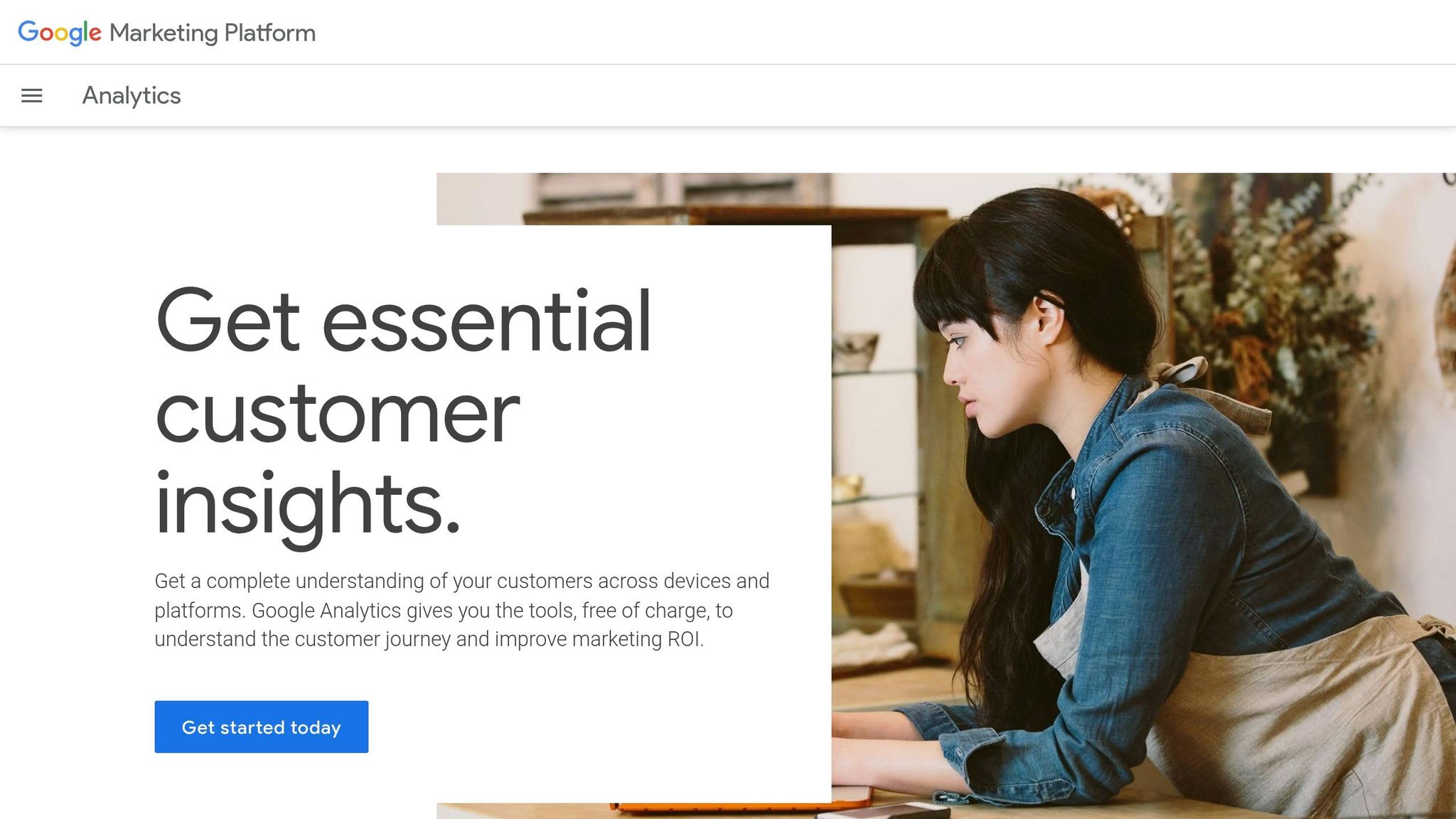
Google Analytics 4 (GA4) is a powerful tool for tracking visitor behavior. It monitors everything from page views to bounce rates, helping you get a clear picture of how people interact with your website. Setting it up might seem a bit technical, but it’s manageable if you follow these steps.
- Create an Account: Start by signing up for Google Analytics using your Google account. If you already have an account, log in and create a new GA4 property by navigating to the Admin section. Enter your website name, select your local time zone (e.g., U.S. time zones), and set your currency to USD.
- Add a Data Stream: Under the "Data Streams" section in Admin, choose "Web" as your platform and follow the prompts. You’ll receive a unique Google tag ID (starting with "G-" or "AW-") that identifies your site.
- Install the Google Tag: To start tracking, you need to implement the Google tag on your website. Most content management systems (CMS) like WordPress, Squarespace, or Wix offer built-in integrations for Google Analytics. Simply paste your tag ID in the designated section of your CMS. Alternatively, you can manually insert the tag code into the
<head>section of your site’s HTML. - Verify Data Collection: Once the tag is installed, visit your website and check the Realtime report in Google Analytics to confirm it’s collecting data. If you’re new to the platform, Google offers free courses to help you get started.
Once your data starts rolling in, focus on metrics like organic traffic, top-performing pages, and user behavior. These insights will help you refine your content strategy and identify areas that need improvement.
Find Keywords with Ubersuggest
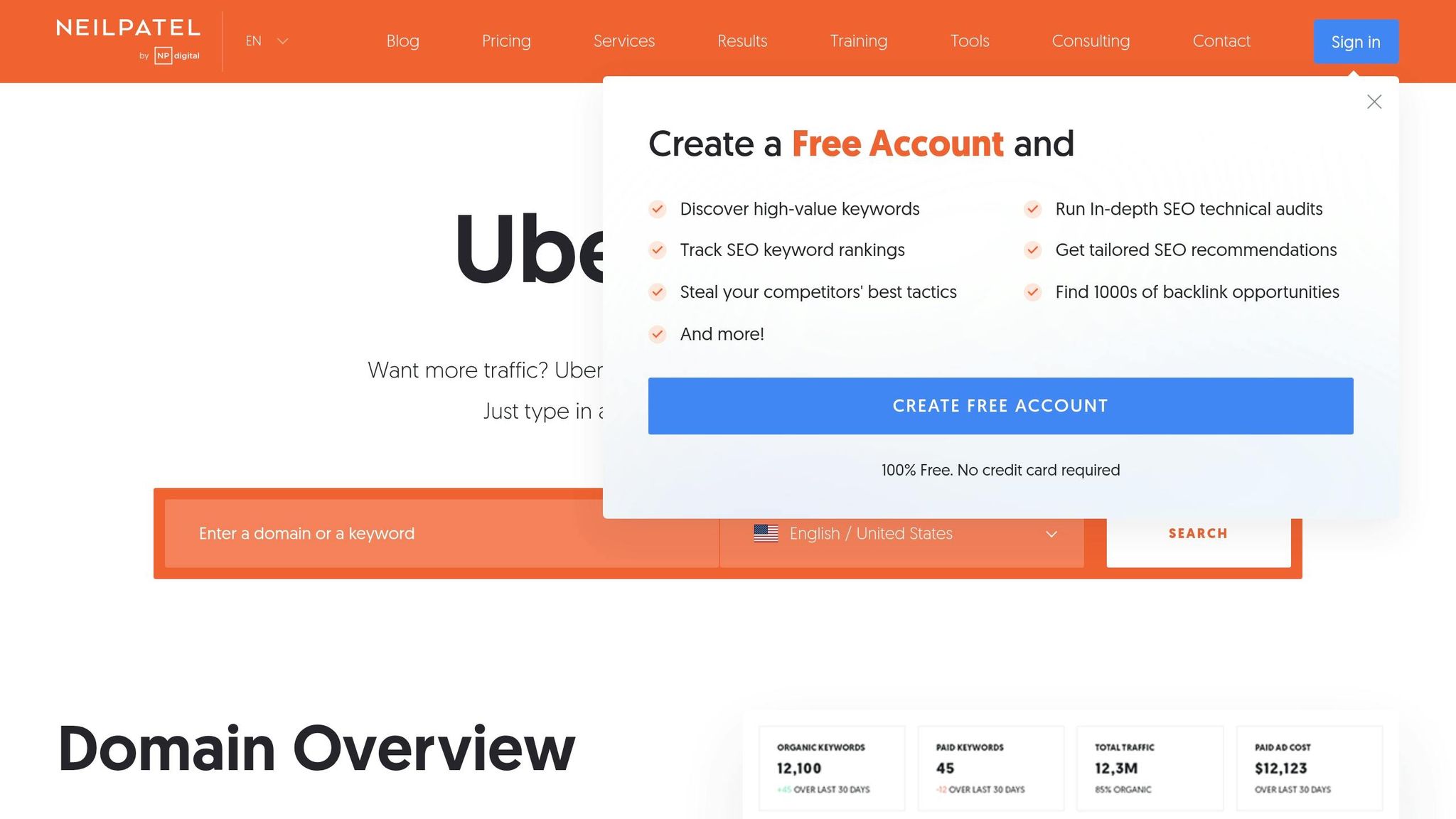
Ubersuggest is a handy tool for discovering keyword opportunities and analyzing your competition’s SEO strategies. It’s perfect for generating ideas that align with what people are actually searching for online.
Start with the Keyword Ideas feature. Enter a keyword related to your business, and Ubersuggest will provide a list of related terms, long-tail variations, and even questions people are asking. This helps you create content that directly addresses your audience’s needs, rather than guessing.
For a deeper dive, use the Keyword Overview tool. It provides details like search volume trends, how many backlinks you’ll need to rank, and the domain scores of the top-ranking pages. This data helps you focus on keywords that are realistic for your website to target.
The Traffic Analyzer Overview is another valuable feature. By entering a competitor’s website, you can see their organic keywords, estimated traffic, and backlink profile. The Top Pages feature highlights which of their pages are driving the most traffic, offering inspiration for your own content.
"Focus on the vital few, and ignore the trivial many." – Richard Koch
An example of Ubersuggest’s effectiveness comes from Neil Patel, who identified the keyword “Ahrefs vs. Semrush” as having high commercial intent and a cost-per-click of $16.02. By creating content optimized for this keyword, he achieved a first-page Google ranking within two months.
Ubersuggest also offers a Site Audit feature to identify technical issues that could be holding back your website. It flags errors and provides actionable recommendations for improvement. Additionally, the Backlinks tool shows your site’s authority by analyzing your total backlinks and referring domains. Since over 25% of people click on the first organic result, improving your rankings can significantly impact your traffic.
Finally, set up rank tracking to monitor your keyword positions over time. This feature lets you see how your SEO efforts are paying off and which keywords are gaining traction.
While Ubersuggest’s free version has some limitations compared to premium tools, it’s an excellent starting point for small businesses. Its user-friendly design makes it accessible even if you’re new to SEO.
sbb-itb-0a5855c
Set Up Your Google Business Profile
Looking to boost your local visibility online? Optimizing your Google Business Profile is a simple yet powerful way to connect with nearby customers. This free tool from Google helps position your business in front of local audiences, increasing both website traffic and foot traffic. A well-maintained profile can even get your business featured in Google’s local pack – the top three listings displayed with a map in local search results. This spot is prime real estate, grabbing the majority of clicks from people searching for services in their area.
For U.S. businesses, this tool is especially valuable. With so many Americans searching for services "near me" or using city-specific keywords, having a complete and optimized profile ensures you’re visible when it matters most – when potential customers are actively looking for what you offer.
Add Complete Business Information
The more complete your Google Business Profile, the better your chances of ranking higher in local searches – and building trust with customers. To get started, claim your profile at business.google.com. You’ll need to verify ownership, which Google facilitates via a postcard, phone call, or email, depending on your business type.
Once you’re verified, focus on filling out every detail:
- Business Name: Use the exact name that appears on your storefront and all marketing materials. Consistency is key.
- Address and Phone Number: Stick to standard U.S. formatting (e.g., 1234 Oak Street, Denver, CO 80202; (555) 123-4567). Make sure this matches the details on your website, social media, and online directories.
- Business Hours: Keep these updated, especially during holidays or special events. Use the 12-hour clock with AM/PM, as it’s the norm in the U.S.
- Website URL: Add a working link that directs users to a relevant page – ideally your homepage or a location-specific landing page.
- Business Category: Choose the category that best describes your services. This helps Google decide when to display your business in search results.
The more accurate and consistent your information, the easier it is for customers to find and trust your business.
Upload Quality Photos
Photos play a crucial role in making your profile stand out and engaging potential customers. Your cover photo is the first thing people notice, so make it count. Use a high-resolution image (at least 720×720 pixels) that showcases your storefront, logo, or top product.
Here are some photo ideas to include:
- Storefront Exterior: Help customers identify your location easily.
- Interior Shots: Highlight your space and create a welcoming vibe.
- Product or Service Photos: Showcase your best offerings.
- Team Photos: Add a personal touch by introducing your staff.
Keep your photo library fresh by uploading new images regularly. Seasonal updates, new products, or a refreshed interior are all great opportunities to add new content. Google rewards active profiles, so staying updated can work in your favor.
For the best results, use natural light to make your photos clear and inviting. Customers want to see what they can expect when they visit, so aim for authenticity.
A polished and up-to-date Google Business Profile can have a huge impact on attracting local customers. When people can quickly find accurate information, see appealing visuals, and get a clear sense of what you offer, they’re far more likely to visit your website – or step through your door. Take a few minutes to optimize your profile, and you’ll be setting the stage for stronger local engagement.
Make Your Website Easy to Use
A user-friendly website can mean the difference between visitors who stay and explore or those who leave in frustration. People expect quick, hassle-free access to the information they need. If your site is slow, has tiny buttons, or features confusing menus, chances are, visitors will head elsewhere.
Websites that prioritize a smooth user experience can boost conversion rates by as much as 400%. When users can easily navigate your site, find what they’re looking for, and complete key actions like making a purchase or filling out a form, they’re far more likely to turn into paying customers.
Let’s dive into some essential design tips to keep your visitors engaged.
Clean Up Your Website Menus
Your website menu is like a roadmap for your visitors. If it’s cluttered or confusing, people may get lost and leave. A simple, well-organized menu helps users find what they need without frustration.
Start by reviewing your current menu. Keep your main navigation limited to five straightforward options. For instance, a local bakery might structure their menu as "Home", "Menu", "Order Online", "About Us", and "Contact." Under "Menu", include subcategories like "Cakes", "Pastries", and "Breads" to make it even easier for visitors to locate specific items.
Use clear, descriptive labels that your audience understands. Avoid using industry jargon or overly creative names that could confuse people. To ensure your menu is effective, gather feedback from users and analyze website data.
Tools like Google Analytics can help you identify problem areas, such as pages with high bounce rates or sections where visitors drop off. Heatmap tools, like Hotjar, reveal where users are clicking and how they navigate through your site. This data can guide you in refining your menu and overall navigation.
But navigation isn’t the only thing to consider – mobile usability is equally important.
Make Sure Your Site Works on Mobile
With mobile devices driving over half of global website traffic, ensuring your site functions seamlessly on phones and tablets is critical. A mobile-friendly design doesn’t just improve usability; it also keeps visitors coming back. Mobile users expect fast loading times, easy-to-click buttons, and content that’s readable without zooming.
Test your site on multiple mobile devices to ensure it’s easy to use. Buttons should be large enough to tap comfortably, text should be legible, and forms should work without glitches. If navigating your site on mobile feels clunky to you, it’s likely even worse for your visitors.
Google’s Mobile-Friendly Test tool can help you identify and fix mobile issues quickly. Use it to spot areas needing improvement.
U.S. mobile users, in particular, expect tappable buttons and minimal interruptions like pop-ups. Make sure your contact information and key call-to-action buttons are easy to find and use. For example, ensure your phone number is clickable so users can call you directly, and prominently display buttons like “Buy Now” or “Contact Us.”
One online retailer saw impressive results after prioritizing usability. They simplified their menu from ten categories to five clear options and optimized their site for mobile. Within three months, their bounce rate dropped by 20%, and online orders increased by 15%.
Small changes can lead to big wins when it comes to user-friendly design.
Fix Technical Problems Hurting Your SEO
After improving user experience, tackling technical SEO issues is the next step to boosting your website’s performance. These problems, often unnoticed, can seriously affect how search engines crawl, index, and rank your site. The upside? Most technical SEO challenges can be resolved with the right approach.
When search engines run into technical errors on your site, they might struggle to understand your content or even decide it’s not worth showing to users. This can result in lost traffic and missed opportunities for your business.
Find and Fix Broken Links
Broken links are a double hit – they frustrate visitors and hurt your SEO. These occur when you delete pages, change URLs, or link to external sites that no longer exist.
"Broken links are a surefire way to destroy your credibility and waste your SEO efforts, but thankfully, they’re pretty easy to fix." – Backlinko
You don’t need expensive tools to find broken links. Start with Google Search Console, a free tool that highlights crawl errors Google encounters on your site. Look for 404 errors in the Coverage report – these indicate pages that can’t be found. For a deeper dive, try Screaming Frog SEO Spider, which is free for up to 500 URLs and flags problematic links in red.
What should you do once you find broken links?
- If the page has moved, update the link to the correct URL.
- If the content is gone but you have something similar, use a 301 redirect to guide users to the relevant page.
- If the link isn’t needed anymore, remove it entirely.
"Internal links are essential to pass link juice between the different pages of a website, helping to distribute authority and improve SEO across the site." – Higglo
Prioritize fixing broken links on high-traffic areas like your homepage, main navigation, or popular blog posts. These pages typically have the most authority and influence on SEO.
To avoid future issues, make link monitoring a regular habit. Set a monthly reminder to check for broken links, especially after site updates or content deletions.
Switch to HTTPS Security
Fixing broken links is important, but ensuring your site uses HTTPS is just as critical. Sticking with HTTP can hurt both your SEO and user trust. Since 2014, Google has considered HTTPS a ranking factor, giving secure sites an edge in search results.
The difference between HTTP and HTTPS is all about security. HTTP transmits data without encryption, making it vulnerable to interception. HTTPS, on the other hand, encrypts data, protecting sensitive information like login credentials, payment details, and contact forms.
"Google has explicitly stated that HTTPS is a ranking factor." – Google
Modern browsers flag HTTP sites as ‘Not Secure,’ which can drive visitors away. The fix? Get an SSL certificate. Many hosting providers now offer free SSL certificates, often through Let’s Encrypt.
Here’s how to make the switch:
- Obtain and activate your SSL certificate through your hosting control panel. Most hosting providers offer step-by-step guides.
- Update your site settings to use HTTPS URLs. If you’re on WordPress, this may involve adjusting your site’s general settings.
- Redirect all HTTP pages to their HTTPS versions. You can do this using a WordPress plugin or by editing your
.htaccessfile. - Add the HTTPS version of your site to Google Search Console as a new property. Verifying it helps Google recognize the change and maintain your search ranking data.
Regularly check your SSL certificate to ensure it’s active. Most certificates need to be renewed annually, and an expired certificate can trigger security warnings that scare off visitors.
The benefits of HTTPS go beyond security. For example, a large e-commerce site reported a 13% increase in organic traffic after implementing HTTPS. While results vary, the combination of improved rankings and greater user trust often leads to noticeable traffic growth.
Conclusion
By focusing on the strategies outlined earlier, you can increase your website traffic without breaking the bank or dealing with overly complicated setups. Many of these adjustments can deliver noticeable results fairly quickly, making them ideal for businesses looking for efficient solutions.
Start with the basics – like updating your meta tags and setting up Google Analytics – to secure some quick wins. From there, move on to more technical improvements that search engines value. As you implement these changes, tools like Google Analytics can help you track your progress and refine your efforts.
"Measuring your website traffic helps you understand your audience and improve your marketing strategies." – Jamie Johnson, Contributor
With over 28 million websites using Google Analytics, it’s a reliable tool to gather insights on what’s working. Set clear traffic goals and keep an eye on critical metrics such as organic traffic, bounce rates, and conversions to measure success.
The key to success is consistency. You don’t need to tackle everything at once. Start by prioritizing two or three fixes that align with your current needs, then gradually work through the rest as you see progress.
"I will always look at sessions, traffic sources, and conversion rates before anything else. When working to improve any of these metrics, many more engagement metrics become relevant and interesting, as they reveal where and how I can improve the customer experience." – Phil Vallender, Director at Blend Marketing and HubSpot Elite partner
As you monitor your results, don’t overlook areas like mobile usability. With mobile devices accounting for a large share of web traffic, optimizing for mobile is more important than ever.
Allow at least 30 to 60 days for these strategies to fully take effect. Search engines need time to crawl and index your updates, and building momentum through content and social media requires patience. Regularly review your analytics, celebrate small victories, and adapt your approach based on audience behavior. By combining these fixes with your broader digital marketing plan, you’ll set the stage for steady, long-term growth.
FAQs
How can I use free tools to optimize my meta tags and boost click-through rates?
To get the most out of your meta tags and boost click-through rates (CTR) without spending a dime, start by analyzing your existing meta tags. Free tools like Google Analytics or browser extensions can help you spot issues, such as missing meta descriptions or ones that are too long.
Once you’ve identified areas to improve, focus on writing concise and engaging meta descriptions that stick to the 160-character limit. Use natural keywords and emphasize what sets your page apart – whether that’s a special offer or a solution to a common problem. Free tools like SERP preview simulators can give you a sneak peek at how your meta tags will appear in search results, helping you refine them for maximum impact.
The goal is simple: make your meta tags relevant, clear, and enticing to your audience. When done right, they can grab attention, increase clicks, and drive more traffic to your site.
How can I speed up my website to enhance user experience?
To make your website load faster and improve the overall user experience, start with image optimization – compress your images to reduce file size without sacrificing quality. Combine files like CSS and JavaScript to cut down on HTTP requests, which can slow things down. Turn on browser caching so repeat visitors can access your site more quickly. Also, get rid of any render-blocking JavaScript that might delay how your pages appear. Limit the use of external scripts, such as unnecessary plugins or tracking codes, as these can drag down your site’s speed. Ideally, aim for a loading time of 2 seconds or less to keep users engaged and ensure smooth performance.
How can I use social media to increase website traffic and engage with my audience effectively?
To attract more visitors to your website through social media, focus on crafting content that grabs attention and encourages sharing, tailored specifically for the platform you’re using. Make sure to include links to your website in your profiles and posts, so users can easily click through. Engage with your audience by replying to comments, sparking conversations, and using interactive features like polls or Q&A sessions to keep the momentum going.
Consistency matters – post regularly and aim for times when your audience is most active. To broaden your reach, consider teaming up with influencers, running targeted ads, or using tools like link hubs to guide users directly to your site. When your social media efforts align with your website’s goals, you can successfully boost traffic while building stronger audience connections.

